
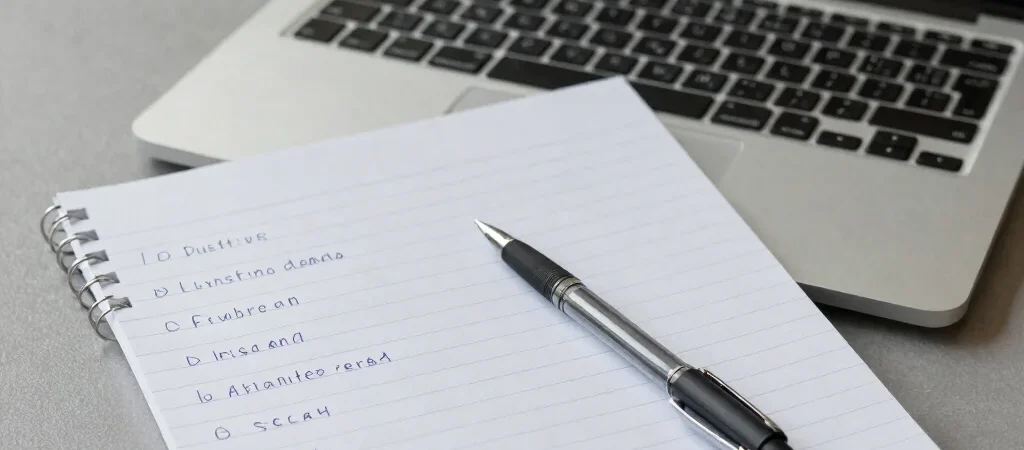
You finish a meeting with fragments in your notebook: a decision, two possible dates, and a question nobody answered. An AI assistant can help organize those notes into a draft follow-up. The important part is to ask it to preserve uncertainty instead of turning every fragment into a confident-sounding commitment.
Prepare notes safely
Start with notes you are allowed to share with the service you plan to use. Remove personal details or sensitive business information when they are not needed, and check the tool’s data controls. If the notes include confidential material, use an approved workplace process or do the rewrite yourself.
Clean up only enough to make the fragments understandable. Mark uncertain details as uncertain—for example, write “date not confirmed” rather than guessing which date the group chose. That small cue helps you spot whether the assistant has preserved the distinction.
Give a bounded request
Ask for a specific format and explain what not to invent. For example: “Organize these notes into decisions, action items, and open questions. Keep names and dates exactly as written. If an owner or deadline is missing, label it ‘not specified’ rather than filling it in.” Then paste in only the notes you are permitted to share.
A useful draft should make the next step easier to see without changing what the group agreed. If the response is too polished or too long, ask for a shorter version while keeping the same facts. The assistant is arranging your notes, not confirming that its interpretation is correct.
Review before sending
Compare every decision, owner, and deadline against your original notes or meeting record. Remove anything that sounds like a commitment but was only a suggestion, and ask the relevant person to confirm ambiguous items. Send the recap only after a human who understands the meeting has checked it.